PQ Companion

For Project Quarm

A Project Quarm companion app.

Database explorer, DPS meter, spell timers, NPC info overlay, character progression, and a custom trigger engine with sound and TTS alerts — all in one lightweight, locally run app that runs alongside the game.

Free & open source · Auto-updates · Windows 10/11

Features

Everything you wish was built into the client

PQ Companion reads your combat log and Zeal exports to add the kind of quality-of-life features modern MMOs ship by default — right at your fingertips while you play.

Search anything

Database Explorer

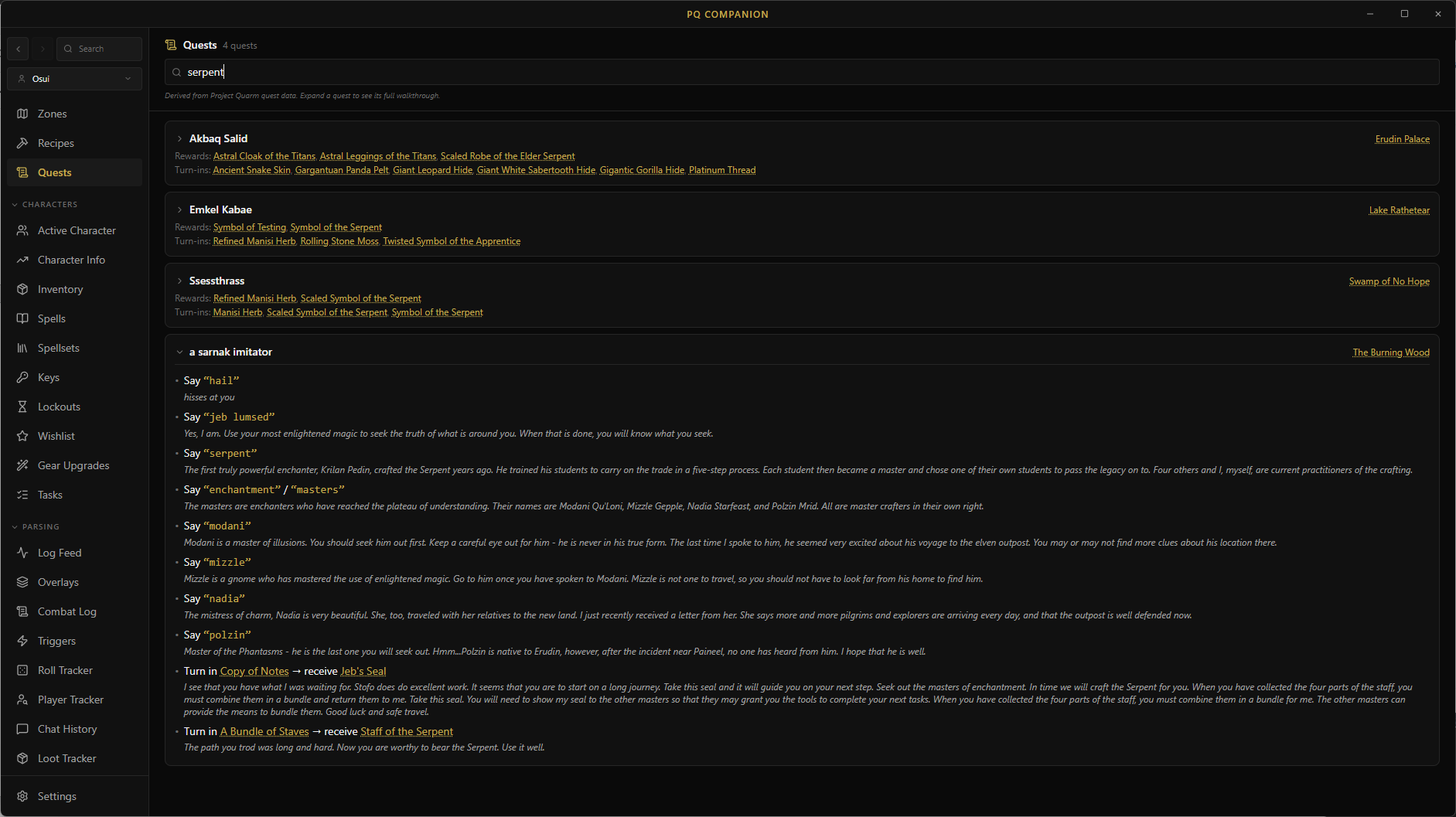
Every item, spell, NPC, and zone in the Project Quarm database — fully searchable with filters that actually work. Item icons, spell icons, click-through cross-references between scrolls and the spells they teach, NPC drops linking to source mobs, and full zone NPC rosters. Press Ctrl-K from anywhere for global search.

  • Advanced item filters: race, class, level, slot, type, stat thresholds
  • Spell filters by class and level; hides NPC-only spells
  • Zone tabs for connected zones, drops, ground spawns, and forage

Live combat tracking

DPS Meter & Combat Log

A transparent, always-on-top overlay floating above the game with live damage output for you and your group. Pet and charm damage rolls up under the owner — including charm-break detection that drops the binding the moment a former pet starts hitting you. Boss fights stay grouped instead of fragmenting. Copy any fight or session summary to clipboard for guild chat.

  • Per-fight and session-wide damage totals, with full combat history
  • Toggle between fight-duration DPS and active-time DPS (aDPS) — fairer for DoT classes and downtime-heavy roles
  • One-click copy of fight or session summary for /gu and /tell

Never miss a re-cast

Spell Timer Engine

Tick-accurate countdown bars for every buff, debuff, mez, stun, and DoT — driven directly from your live combat log and keyed per spell-and-target so the same debuff on two mobs is tracked as two separate timers. Durations are extended automatically by the focus items and AAs your character actually has equipped. Separate overlay windows for buffs and detrimentals.

  • Auto mode tracks every recognised land; Triggers-only mode shows just the spells you've curated
  • Tracking scope: Self only, Cast by me, or Anyone — plus an optional 'my class only' filter
  • Per-category hide thresholds keep long raid buffs out of view until they're close to expiring
  • Target name shown on every row; auto-cancels on resist, fade, zone, or death

Know your target

NPC Info Overlay

The moment you consider a mob, the overlay shows its level, class, HP, resists, body type, and special abilities — Summon, Unmezzable, Uncharmable, See Invis, Enrage, Flurry. Pulled straight from the database via your combat log.

  • Auto-detects target from melee and spell events
  • Special-ability badges and resist breakdown at a glance
  • Faction, body type, and zone context in one panel

Stats, gear, AAs, to-dos

Character Progression

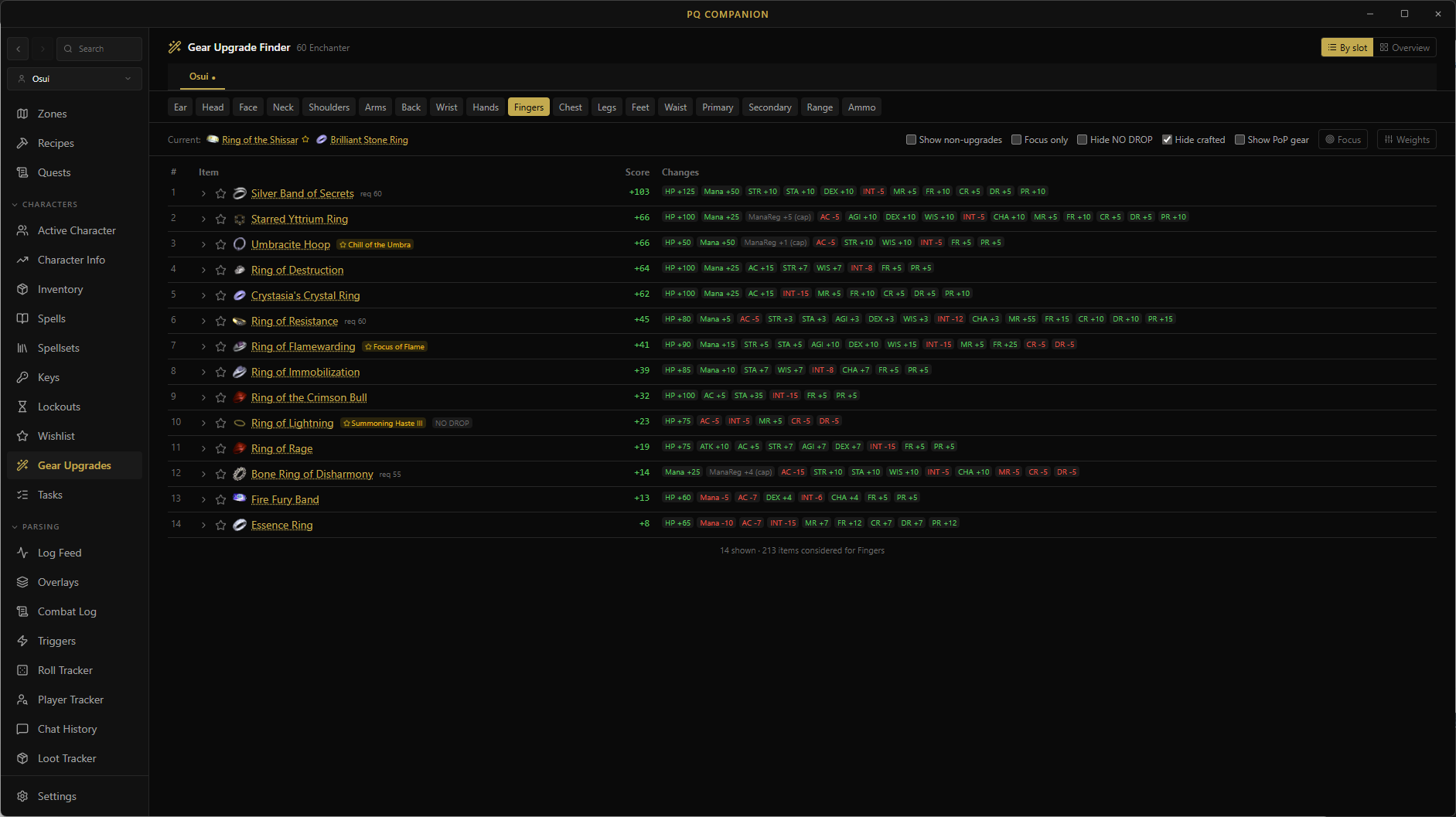
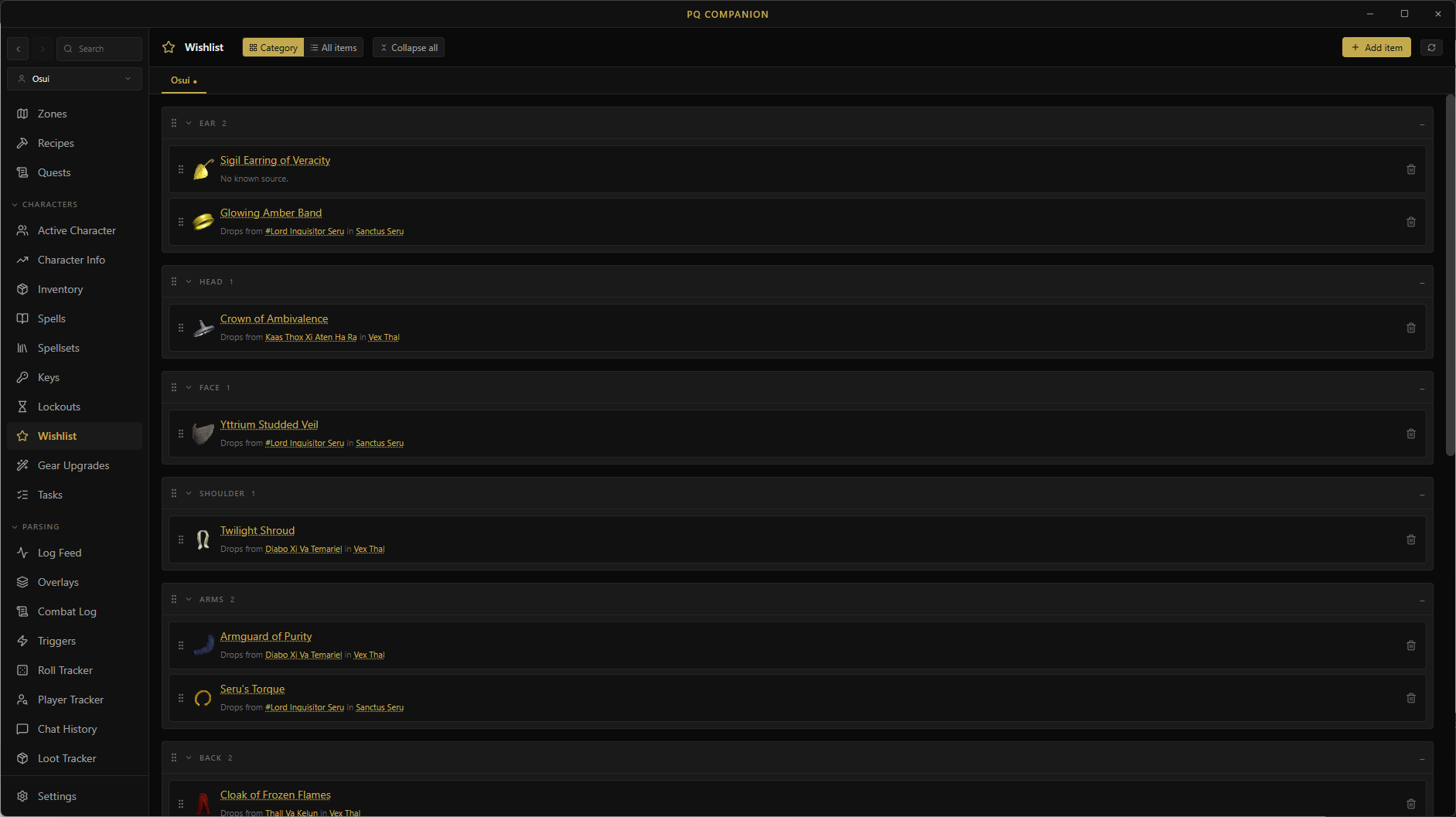
A full per-character workspace driven by Zeal exports. Stats panel with base HP/Mana, stat caps, worn effects, and softcap AC. Paper-doll gear view with bag and bank cards. AA tracking split into trained vs. available, with descriptions. A per-character to-do list with subtasks for tracking goals.

  • Spell Modifiers tab — see every focus and worn effect that's modifying your spells
  • AA tracking: trained ranks, untrained candidates, and cost-aware planning
  • Character switcher syncs across the app; sub-tabs on every tracker page

Know what you're missing

Spell Checklist

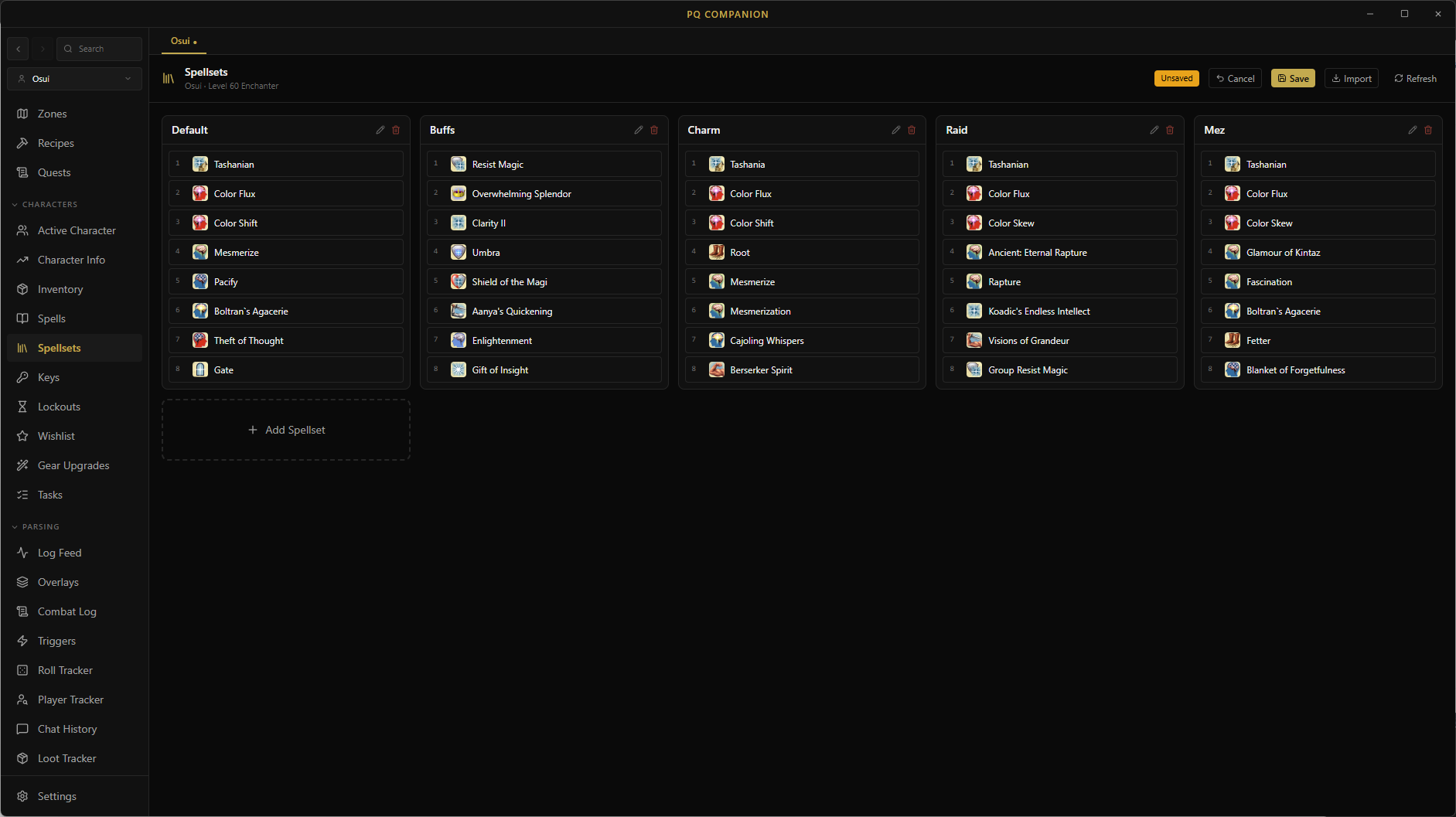
Cross-references every spell your class can learn against your Zeal-exported spellbook so you always know exactly which spells you still need to scribe. Filterable, level-aware, and updated whenever Zeal exports.

  • Filters by class and level range
  • Hides NPC-only and unobtainable spells
  • Click any spell to jump to its database entry

Across all your characters

Inventory & Key Tracker

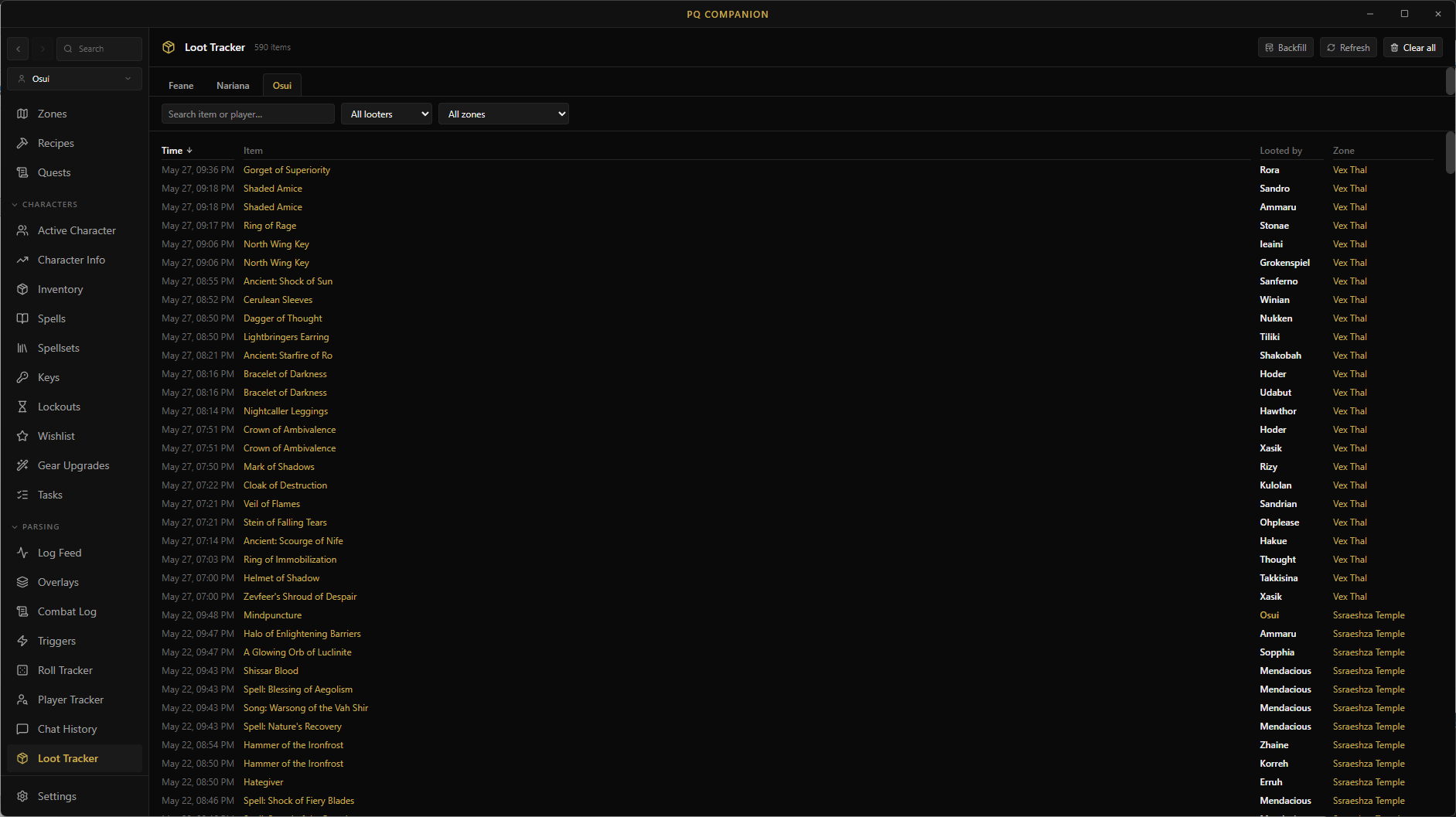
All inventory across every character in one searchable view, with item icons everywhere — equipped, bags, bank, shared bank. Paper-doll layout with collapsible bag and bank cards. Click any item to open its full database entry in a modal without leaving the page.

  • One search box across every character's full inventory
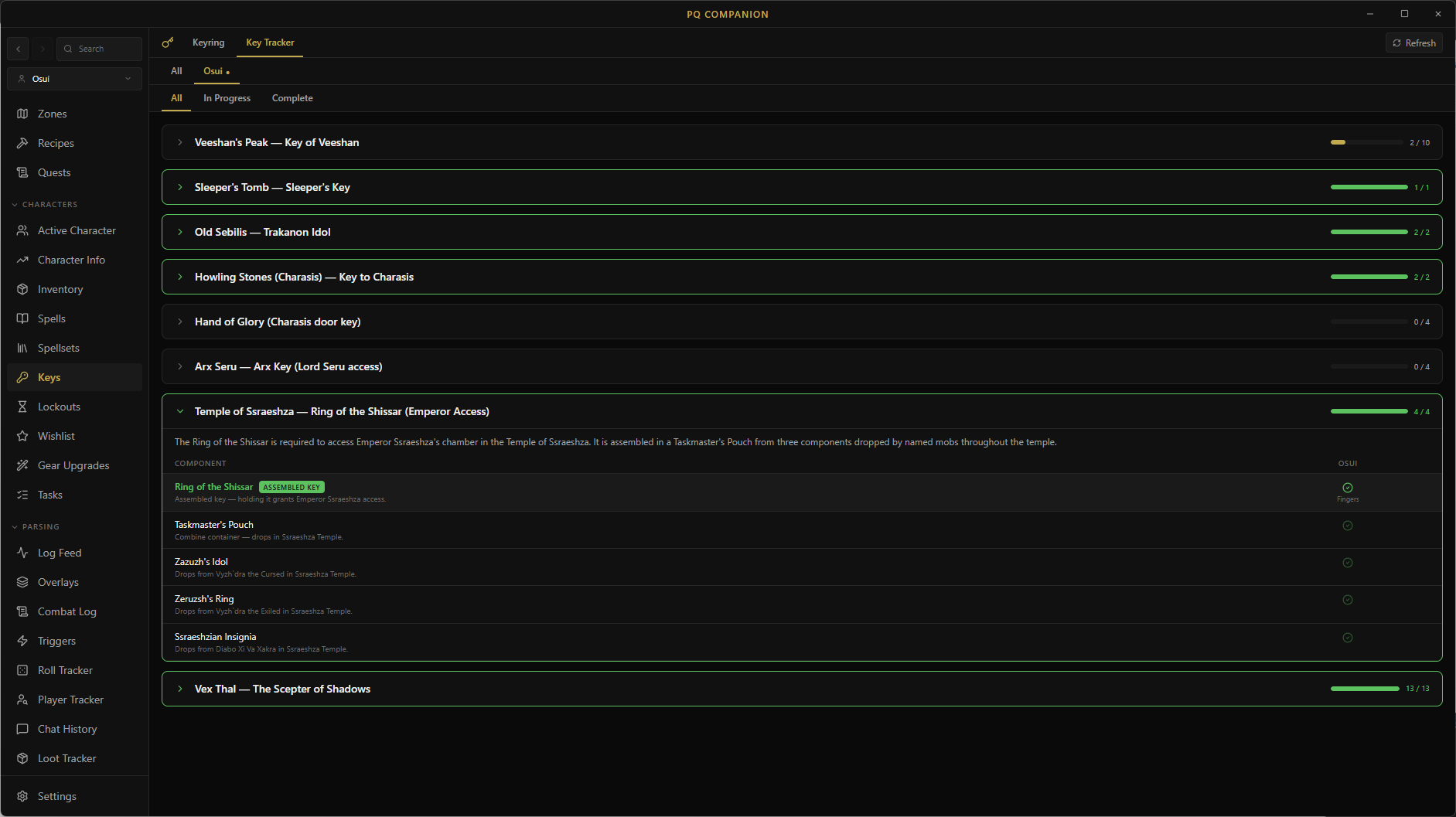
  • Per-key component checklist for VP, Sebilis, Howling Stones, and more
  • Auto-detects intermediate combines (e.g. Vex Thal keys) as you progress

GINA-style, but local

Custom Triggers & Alerts

A regex trigger engine for any log line. Each trigger fires one or more actions: on-screen text alerts (with draggable position and font size), local sound files, or text-to-speech. A trigger can also drive a spell timer on the buff or detrimental overlay — with its own worn-off pattern and 'fading soon' audio cues. Built-in packs for all 14 classes plus group awareness. Import GINA shares as .xml or .gtp.

  • Drag-to-position overlay text with live test buttons
  • Triggers can start spell timers — fading-soon alerts, hide thresholds, and per-character scoping
  • Per-trigger exclude patterns to silence pet, merchant, and banker chatter on tell triggers

One screen, everything

Customizable Overlay Dashboard

A single Overlays page is your one-stop view of the run — DPS meter, spell timers, NPC info, and trigger alerts all in one place. Drag panels into the layout you want with a snap grid, resize them, and the arrangement persists across sessions. When you want them on top of the game, pop any panel out as its own click-through transparent window — same data, no alt-tab.

  • One dashboard for combat, timers, target info, and alerts at a glance
  • Snap-grid drag-and-drop layout that persists across sessions
  • Click-through transparent pop-out windows with remembered size and position

Snapshot & restore

Config Backup Manager

One-click backup and restore for every Project Quarm .ini config file. Snapshot before risky changes, roll back instantly if something breaks. Auto-backs up your files on a custom schedule or whenever they change.

  • Auto-backups on a custom schedule or on file change
  • Snapshots all UI, hotkey, and social config
  • Browse, label, and restore previous backups

About

A companion app for Project Quarm, in 2026.

PQ Companion is built specifically for Project Quarm, the classic-era emulated server. It pairs with Zeal to give you the kinds of out-of-game tools modern MMOs ship by default — combat log parsing, target info, spell timers, and a searchable database — without forcing you to alt-tab.

It's a single Windows app. No browser tabs, no Discord bots, no spreadsheets. Just the tools at the keyboard, while you play.

  • Stay out of the way

    Overlays are transparent, click-through, and live above the game window. Nothing alt-tabs you out of the game.

  • Read-only on the game

    PQ Companion never modifies the game client or game data. It watches your log file and your Zeal exports — that's it.

  • Zero setup

    Point it at your Project Quarm folder, type your character name, and the rest is automatic. No configuration files, no scripts.

  • Free & open source

    Built by players, for players. Source on GitHub. Bring your own ideas and pull requests welcome.

Download

Get PQ Companion

Free, open source, and auto-updating. Windows 10/11 only.

Windows installer

Grab PQ-Companion-Setup-x.x.x.exe from the latest release. The installer handles everything; no Go, Node, or Docker required.

Latest release

After install

  1. 1 Open Settings and set your Project Quarm folder + character name.
  2. 2 In-game, type /log on so the game writes your combat log.
  3. 3 (Recommended) Install Zeal so the spell checklist and inventory tracker can read your spellbook + bags.